
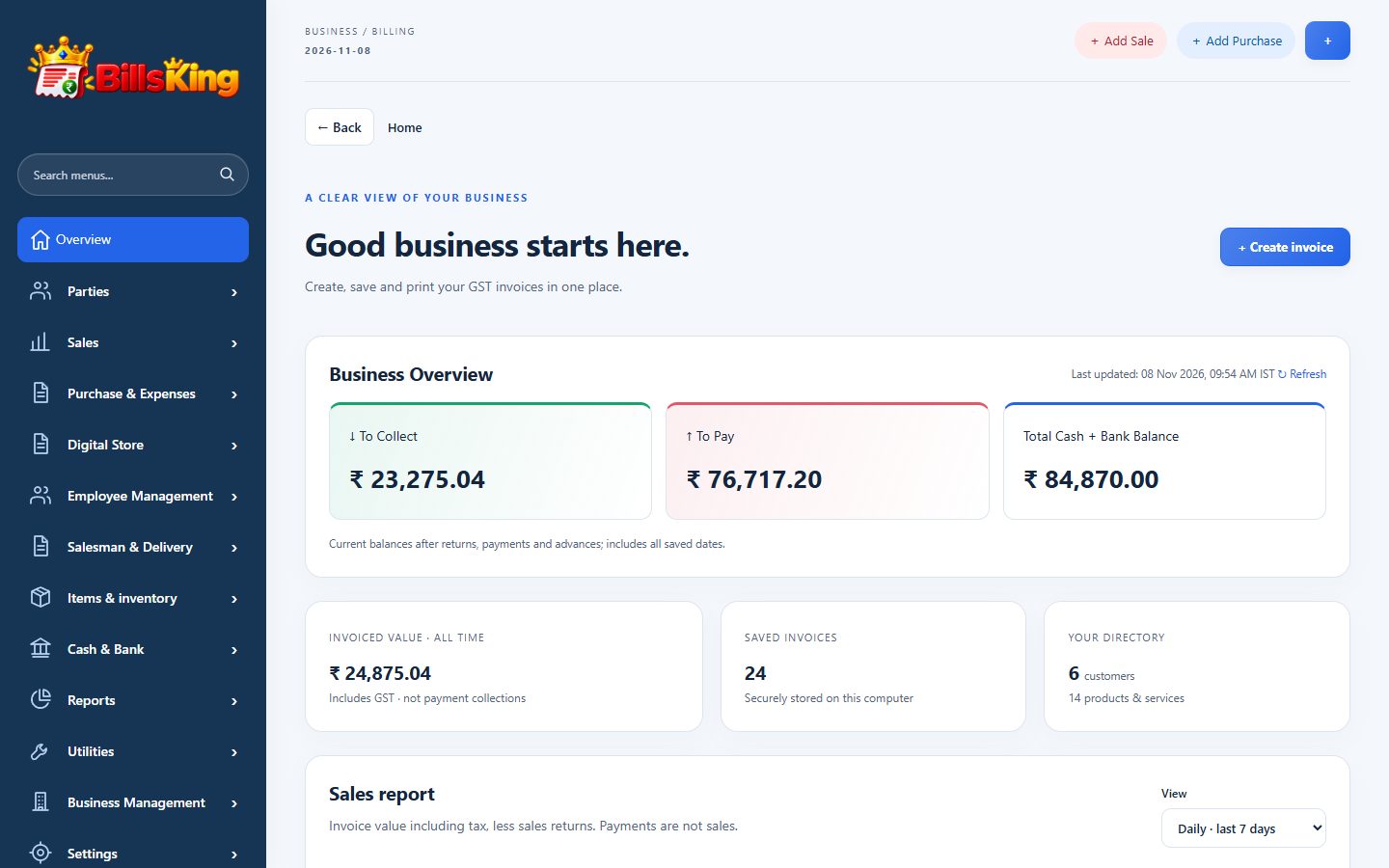
01 · Create your account and company
Sign up, verify your email and create your company. You can add more companies later.
02 · Add business details
Business name, address, state and GSTIN, then logo, bank and UPI details for your invoices.
03 · Add items and parties
Add your items with GST rate and opening stock, and your regular customers and suppliers — or import them from Excel.
04 · Make your first bill
Create an invoice, check the print preview and the payment received, and save.