
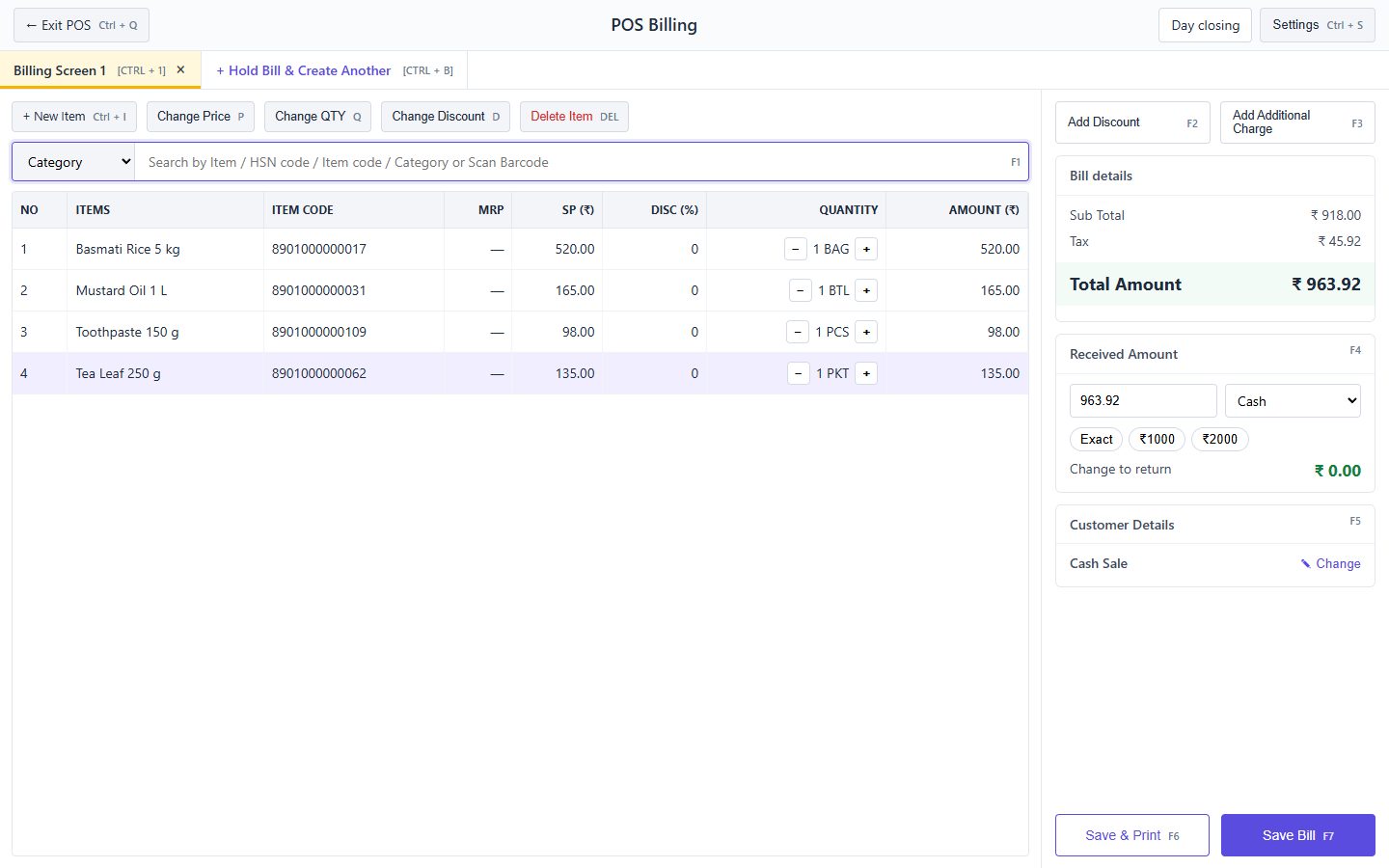
01 · Open POS
Sales → POS billing. The search box is ready for a barcode scan or an item name.
02 · Add items
Scan or type and press Enter. Use the keys shown on the buttons to change price, quantity or discount.
03 · Take payment
Enter the received amount or use a quick-cash button; choose cash, UPI or card; the change is shown.
04 · Save and print
Save, or Save & Print for a thermal receipt. Use Hold Bill to serve another customer meanwhile.