
01 · Open a purchase bill
Purchase & Expenses → Purchase bills → Add, then press Scan bill (photo / camera).
02 · Add the photo
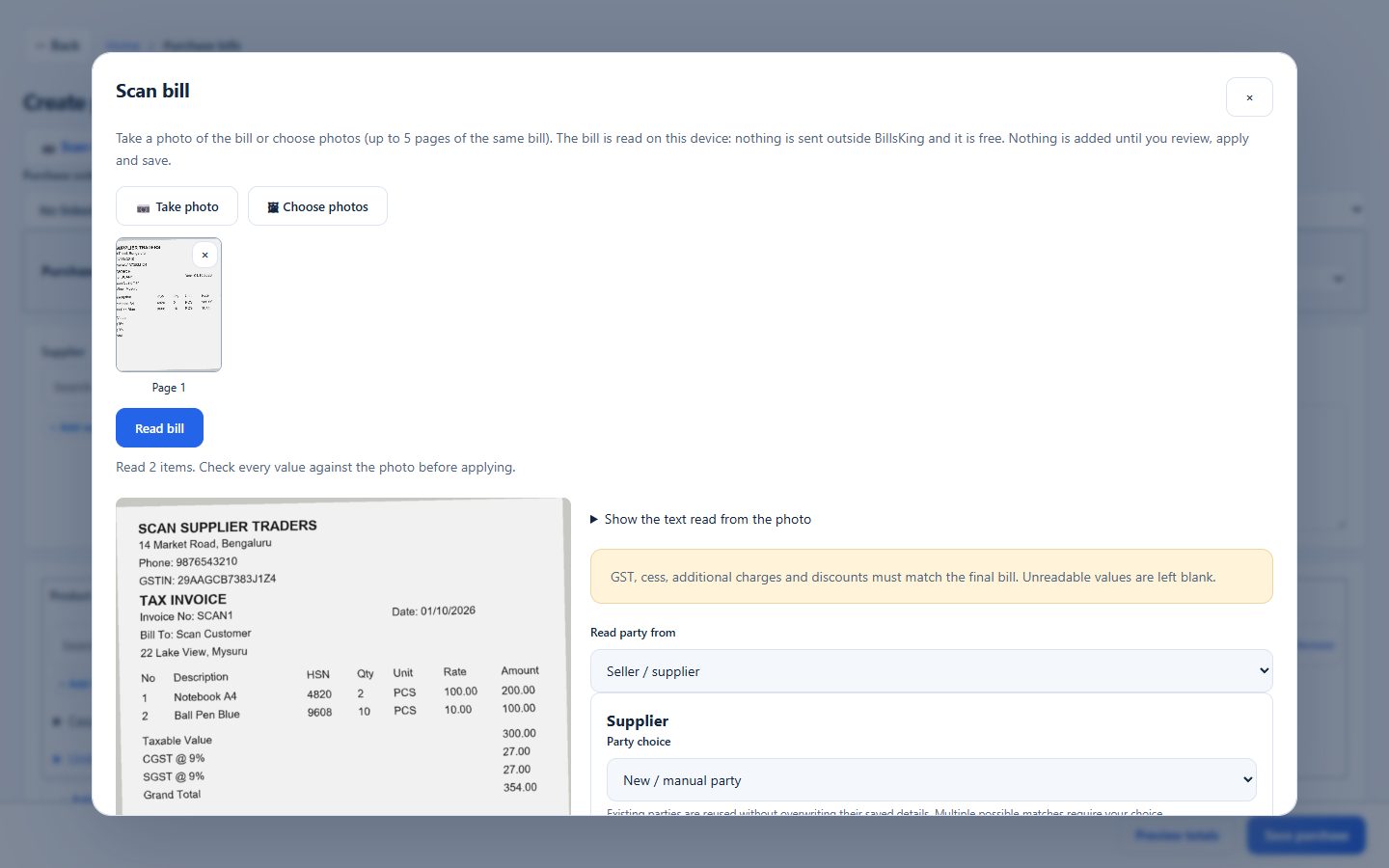
Take a photo or choose up to 5 photos of the same bill. Keep the bill flat and well lit.
03 · Read and check
Press Read bill. Compare the supplier, items, quantities, rates and GST with the paper bill and correct anything.
04 · Apply and save
Apply fills the purchase form. Review the total and save; stock is added.