A clearer view of your business. Meet BillsKing ↗
BillsKing home

FOR RETAIL SHOPS

Billing software for retail shops

Fast counter billing, stock that adds up and credit customers under control — from opening to closing.

Kirana & groceryGeneral & departmental storesGarments & footwearStationery & booksCosmetics & giftsElectricals & hardwareMobile & electronicsMedical & pharmacy
billsking.com/app/pos
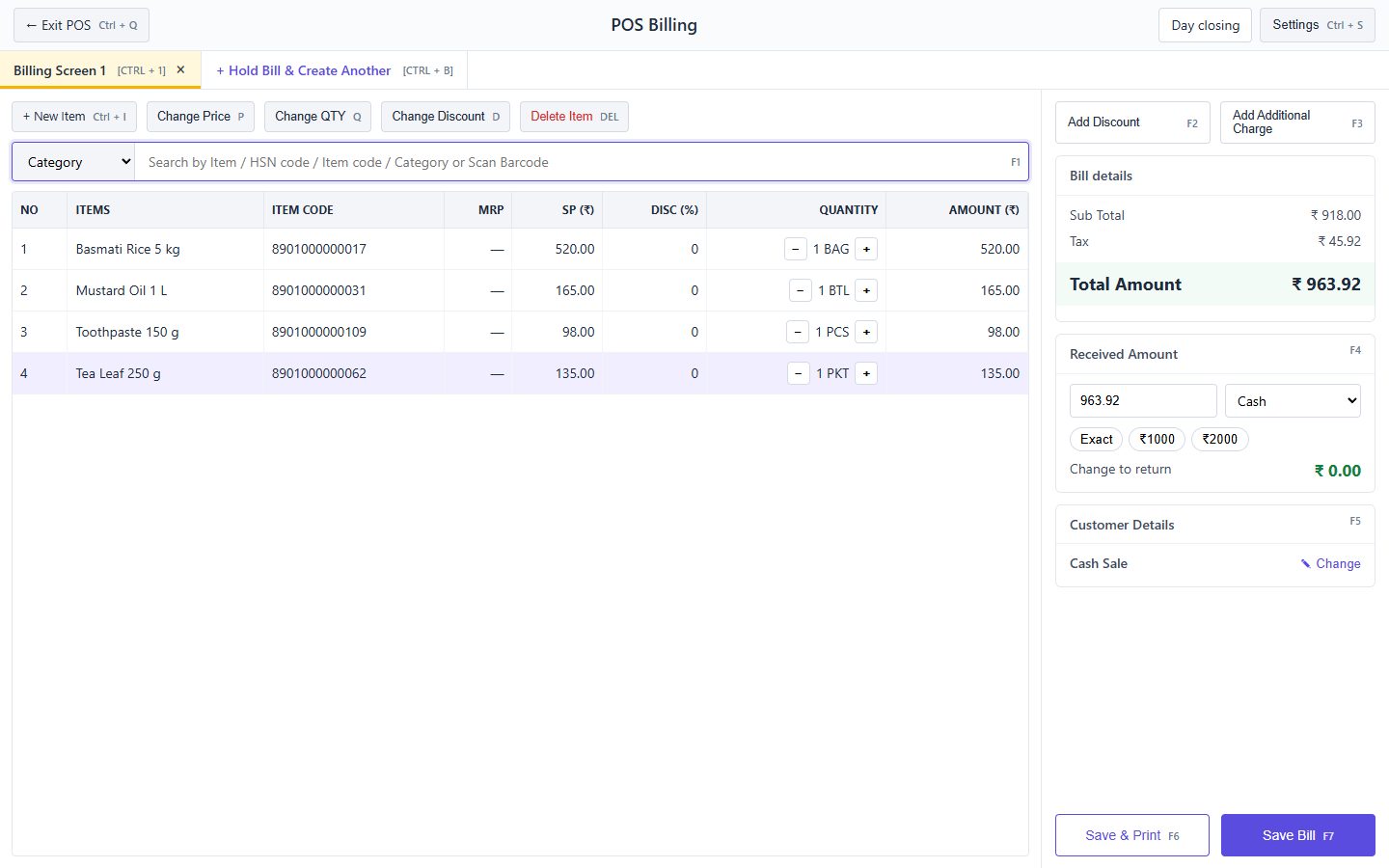
BillsKing screen: POS counter: barcode billing with received amount and change
POS counter: barcode billing with received amount and change

A DAY IN YOUR SHOP

From shutter up to shutter down.

Choose a moment of the day to see how BillsKing handles it.

billsking.com/app
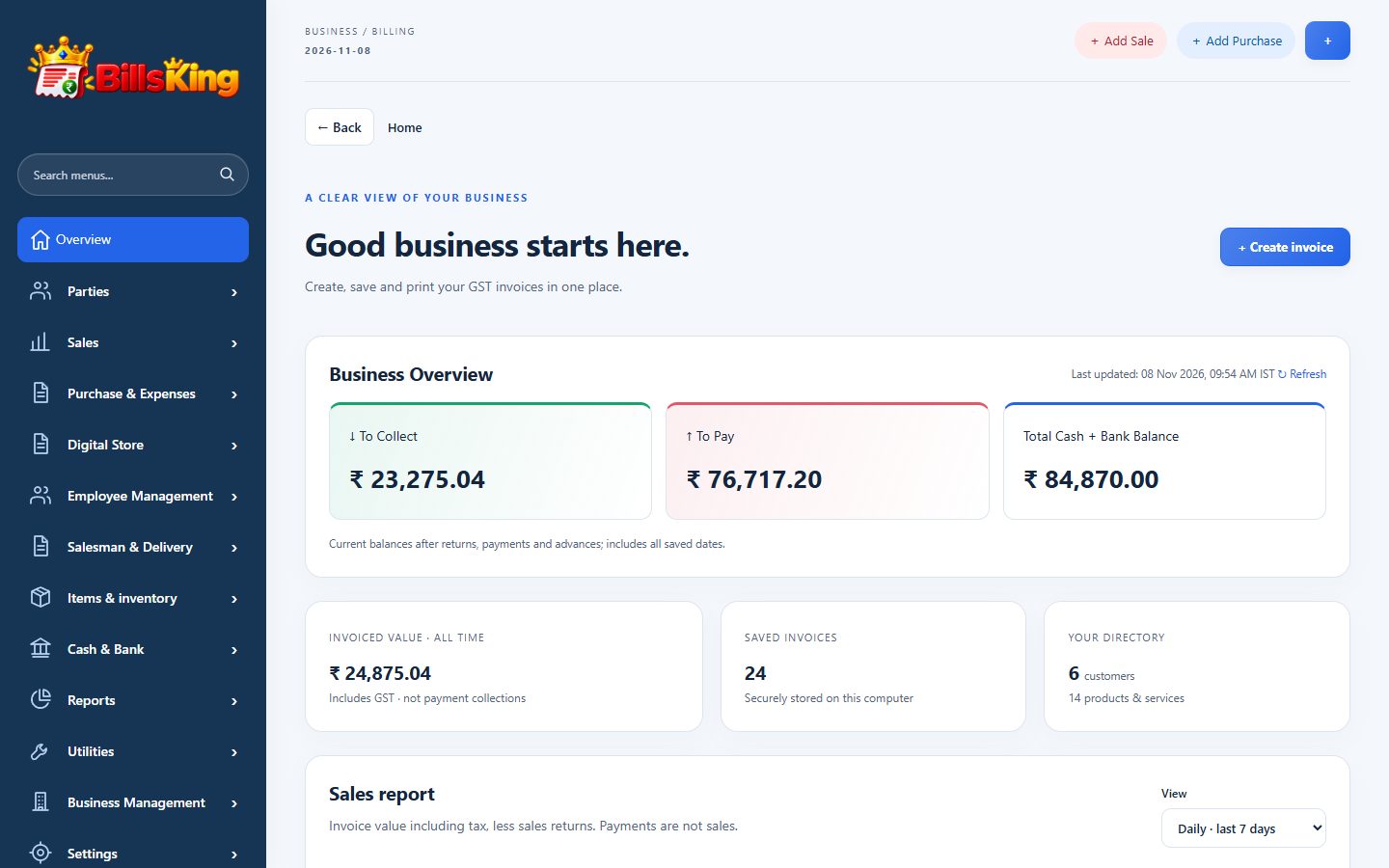
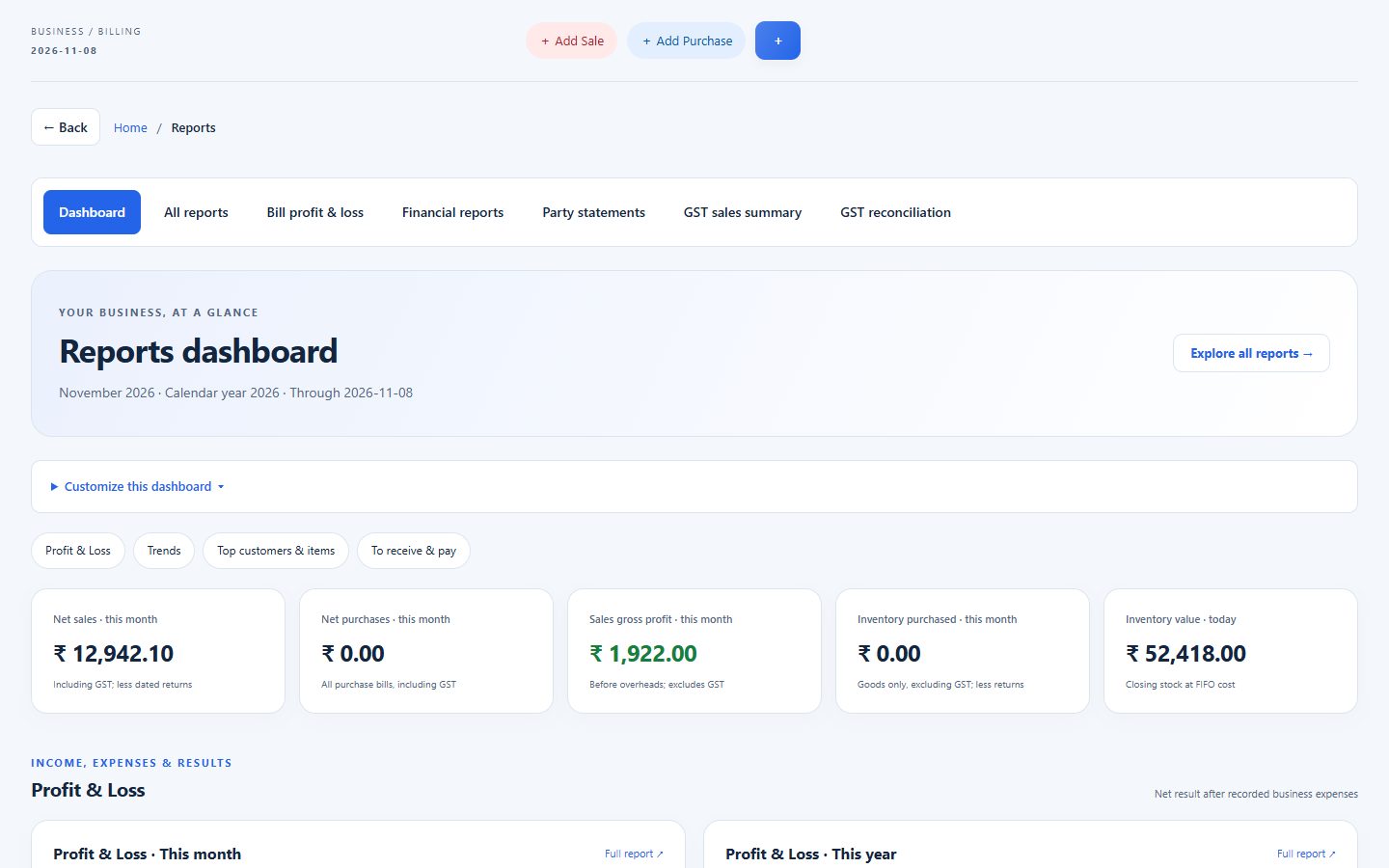
BillsKing screen: Opening: Check the overview: today’s dues, low-stock items and yesterday’s closing cash.
Opening: Check the overview: today’s dues, low-stock items and yesterday’s closing cash.

COMPLETE FUNCTION LIST

Everything a retail counter needs.

All of these are included and working today.

At the counter

  • Full-screen POS billing
  • USB / Bluetooth barcode scanner
  • Hold several bills
  • Keyboard shortcuts
  • Cash, UPI, card & credit
  • Change to return
  • Thermal 58 / 80 mm receipts
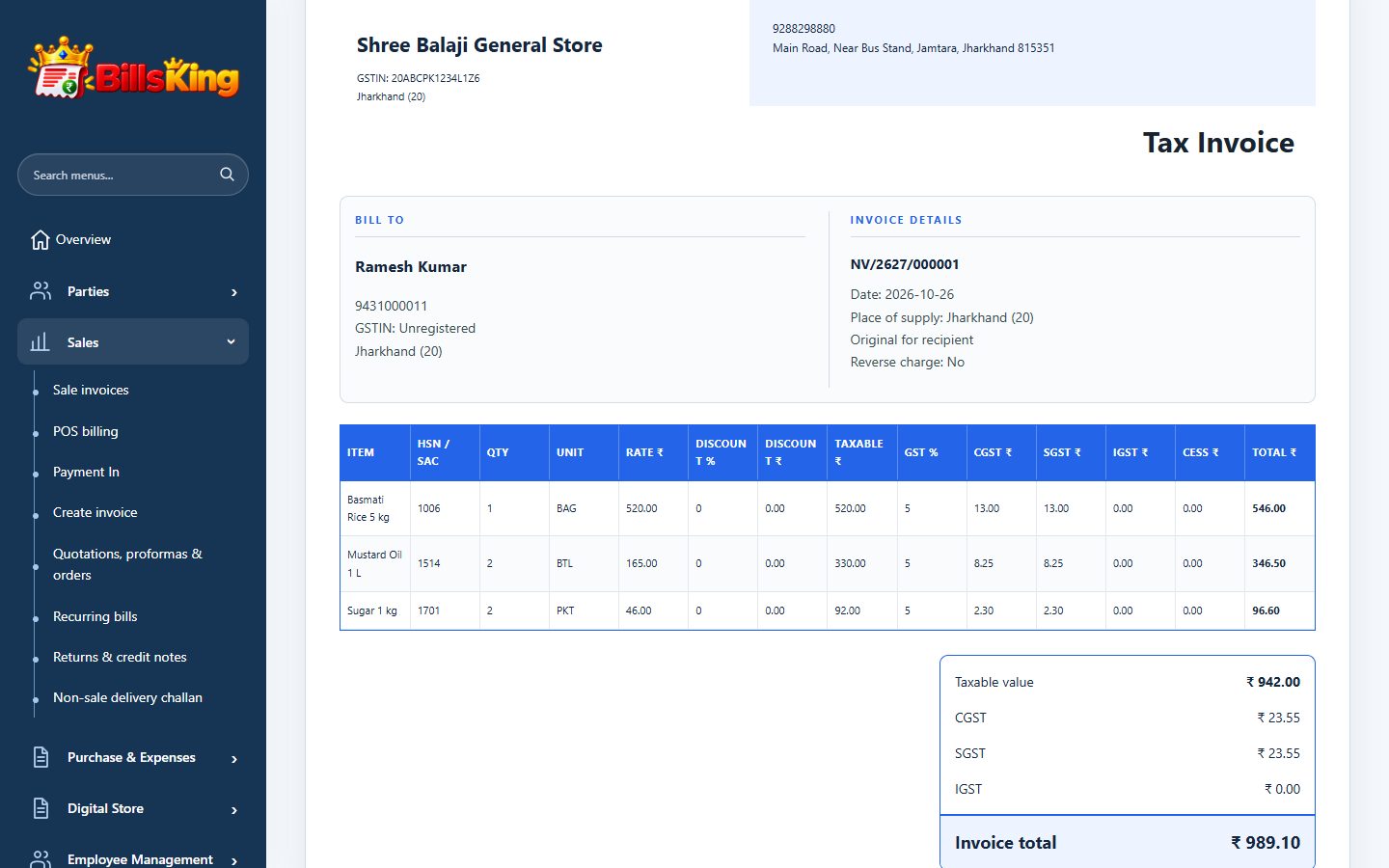
  • A4 / A5 GST invoices

Stock

  • Barcode label printing
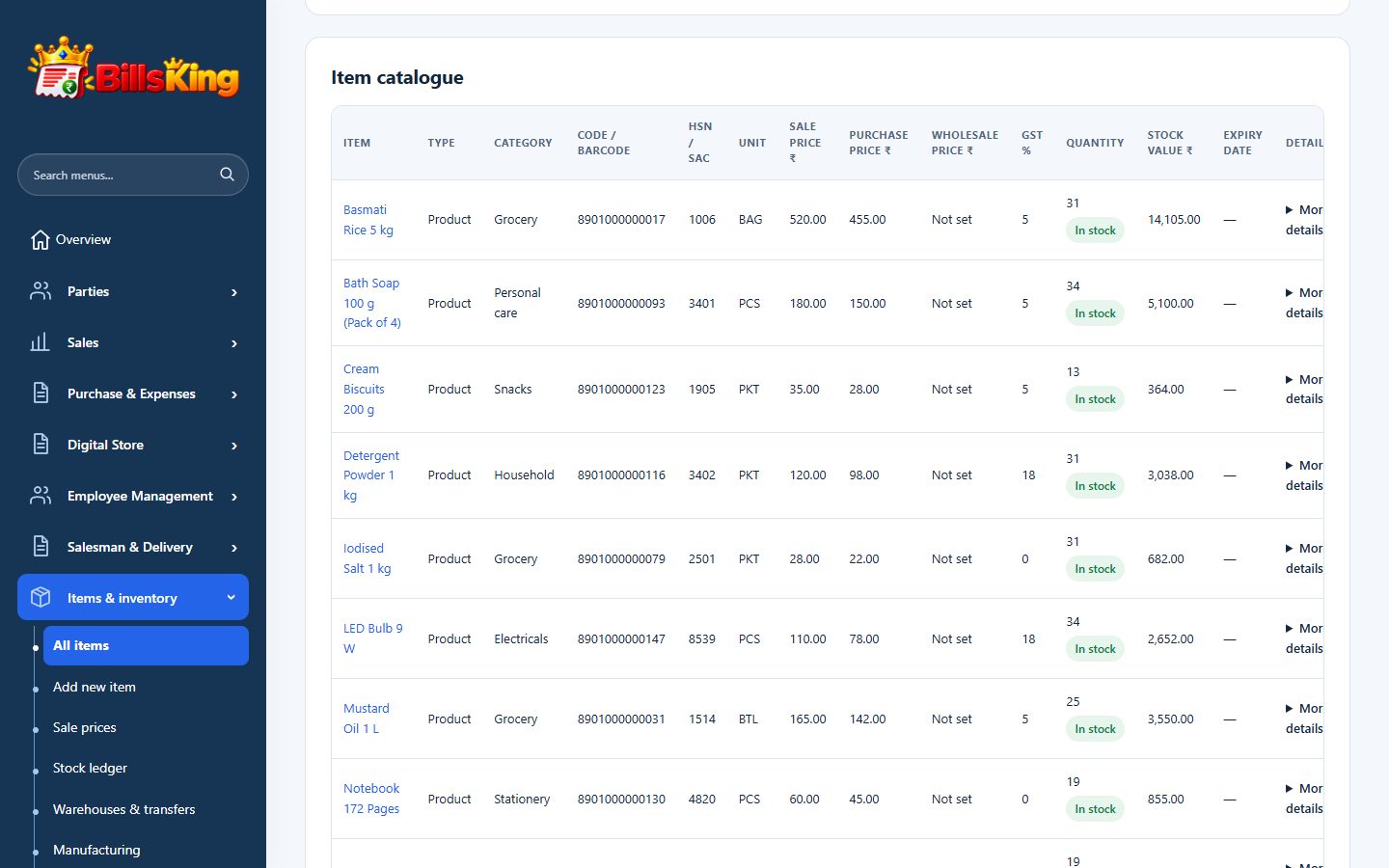
  • Item categories & MRP
  • Low-stock alerts
  • Batch, expiry & serial numbers
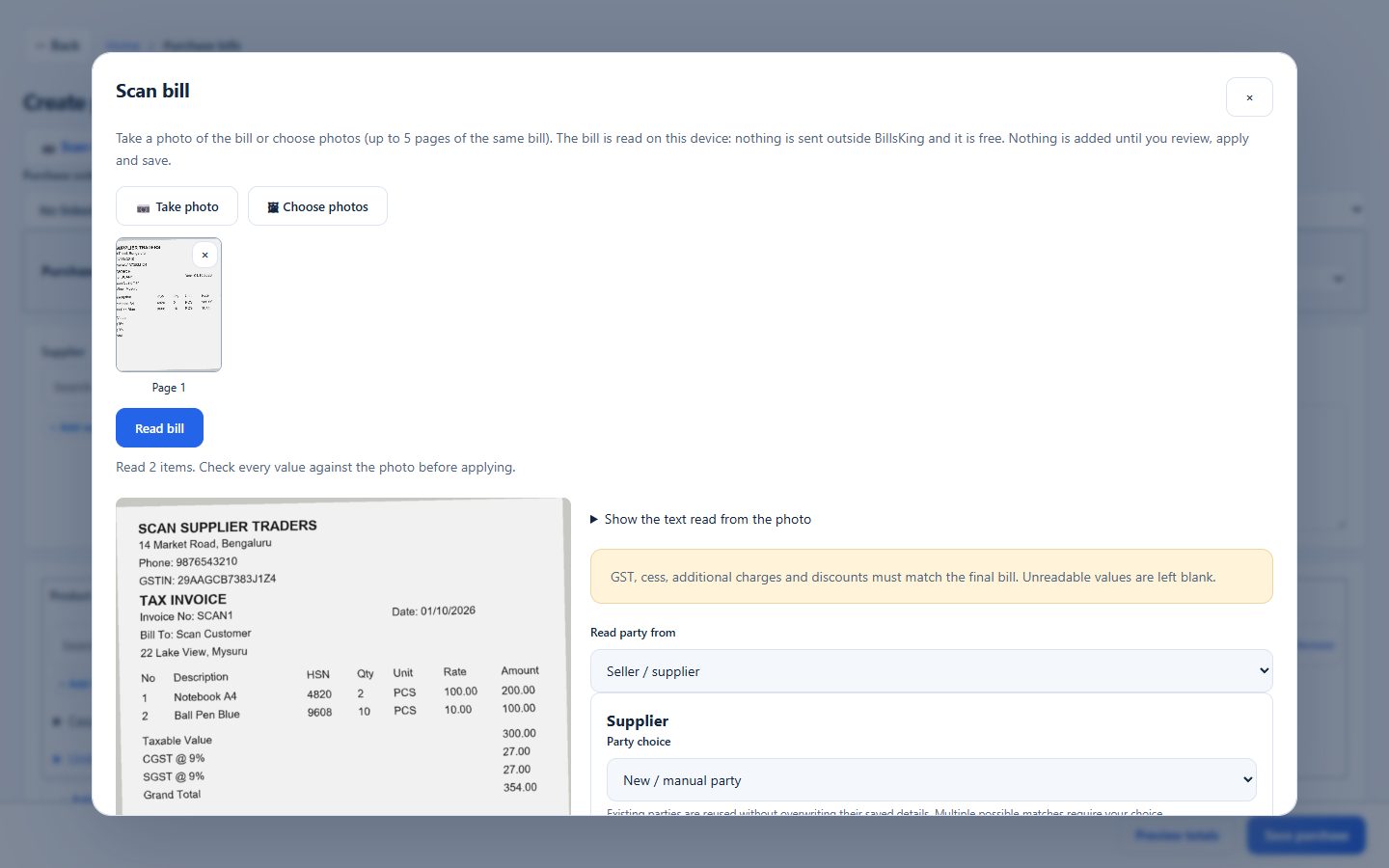
  • Bill photo scan for purchases
  • Purchase returns
  • Stock value (FIFO)
  • Import items from Excel

Customers & credit

  • Customer list with phone & GSTIN
  • Udhaar balance per customer
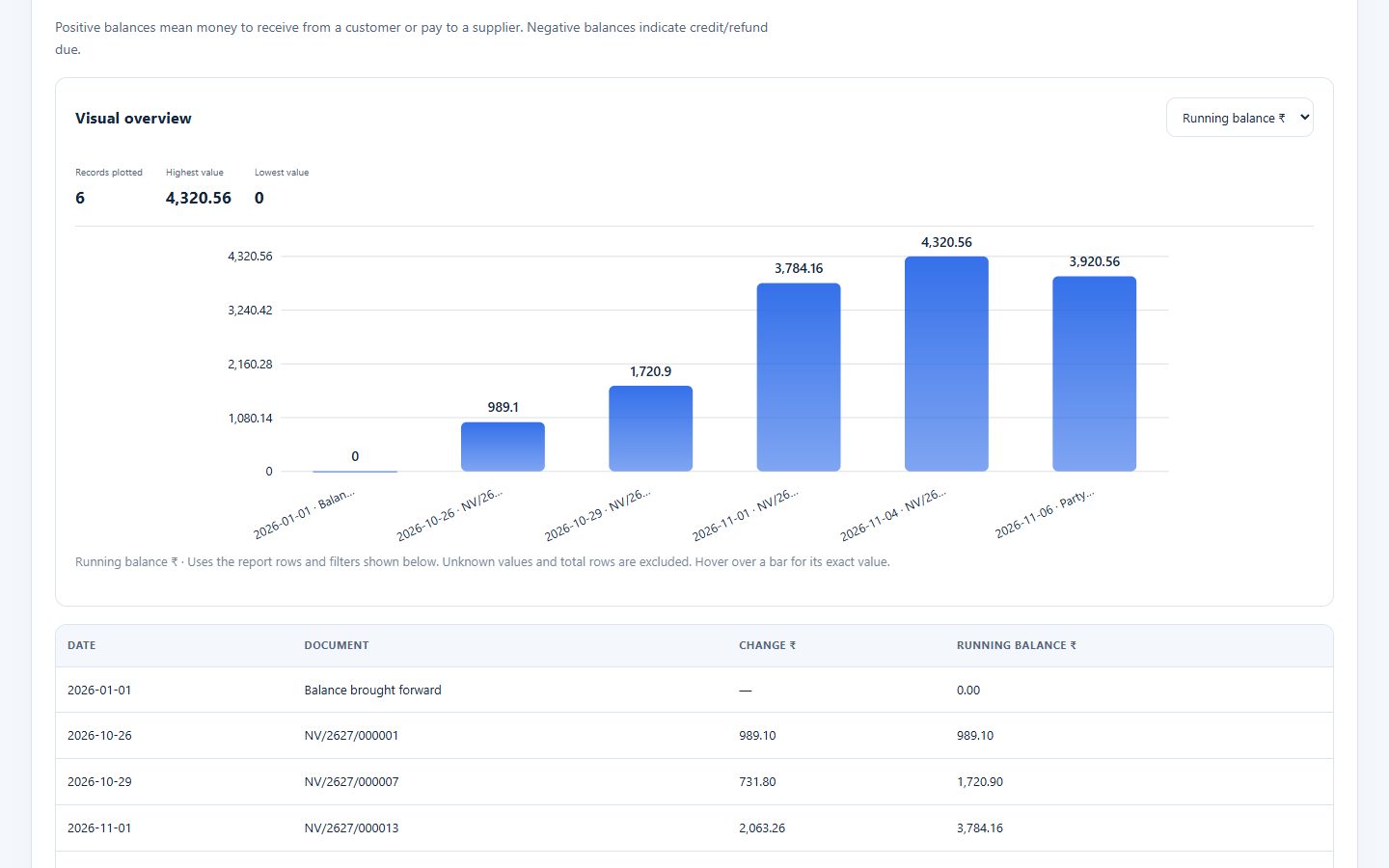
  • Party statement to share
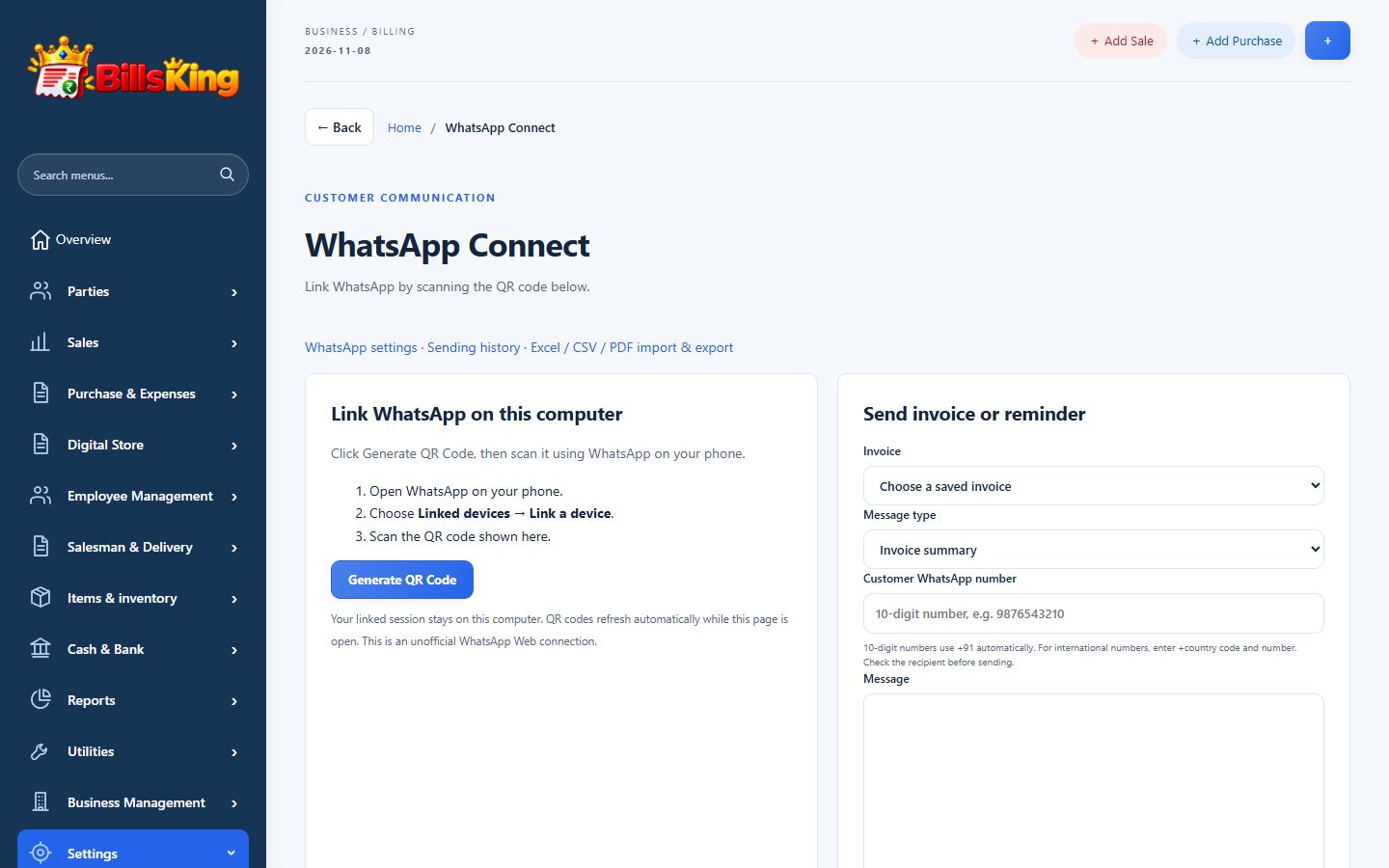
  • WhatsApp invoices & reminders
  • Pay-online link (PhonePe)
  • Customer reward points

Money & reports

  • Cash in hand & bank accounts
  • UPI QR on bills
  • Day closing
  • Expenses by category
  • Daily sales & profit
  • GST summaries for your CA
  • Excel / PDF exports
  • Automatic daily backup

Grow

  • Online digital store
  • Staff logins & permissions
  • More than one shop (companies)
  • Works on phone, tablet & PC

REAL SCREENS

Take a look inside.

Screens from a sample general store, exactly as BillsKing shows them.

billsking.com/app
BillsKing screen: Barcode billing with held bills, received amount and change.
Barcode billing with held bills, received amount and change.

Sample shop and figures for illustration.

01

At the counter

Barcode POS, held bills, cash / UPI / card and thermal receipts.

02

Behind the counter

Purchases from a bill photo, low stock and expiry alerts.

03

At closing time

Day closing, daily profit and dues, and an automatic backup.

QUESTIONS SHOP OWNERS ASK

Good to know.

Something else on your mind? Ask us or WhatsApp +91 92882 98880.

Will my barcode scanner work?

Yes. USB and Bluetooth scanners type the code into the POS search box, which adds the item immediately. You can also print barcode labels for items that have none.

Can I print small receipts?

Yes. Choose the thermal layout for 58 mm or 80 mm printers, or A4 / A5 for full GST invoices. The print layout is saved, so every bill looks the same.

Can I keep track of udhaar (credit) customers?

Yes. Save the sale on the customer’s name. Their balance, statement and overdue bills are always one click away, and you can send a reminder on WhatsApp.

Can more than one person bill at the same time?

Yes. Each staff member gets a login and permissions you choose. Everyone works on the same live stock.

Do I need internet?

BillsKing runs in your web browser, so it needs an internet connection. A normal mobile hotspot is enough. Bills you save are stored on the server and backed up daily.

I have items in Excel or Tally. Do I type them again?

No. Import items, parties and opening balances from an Excel sheet or a Tally export.

Is GST worked out automatically?

Yes. Set the GST rate on each item once. Bills split CGST and SGST, or IGST for other states, and the GST summaries are ready for your CA.

Open your shop on BillsKing today.

Add your items, scan your first barcode and print your first bill in minutes.

YOUR NEXT CHAPTER STARTS HERE

Less admin.
More room to grow.

Create your account ↗

Already using BillsKing? Log in →