
A clearer view of your business. Meet BillsKing ↗
BillsKing home

BILLSKING / GUIDES

Import items and parties from Excel

Move from another software or a spreadsheet without retyping.

billsking.com/app
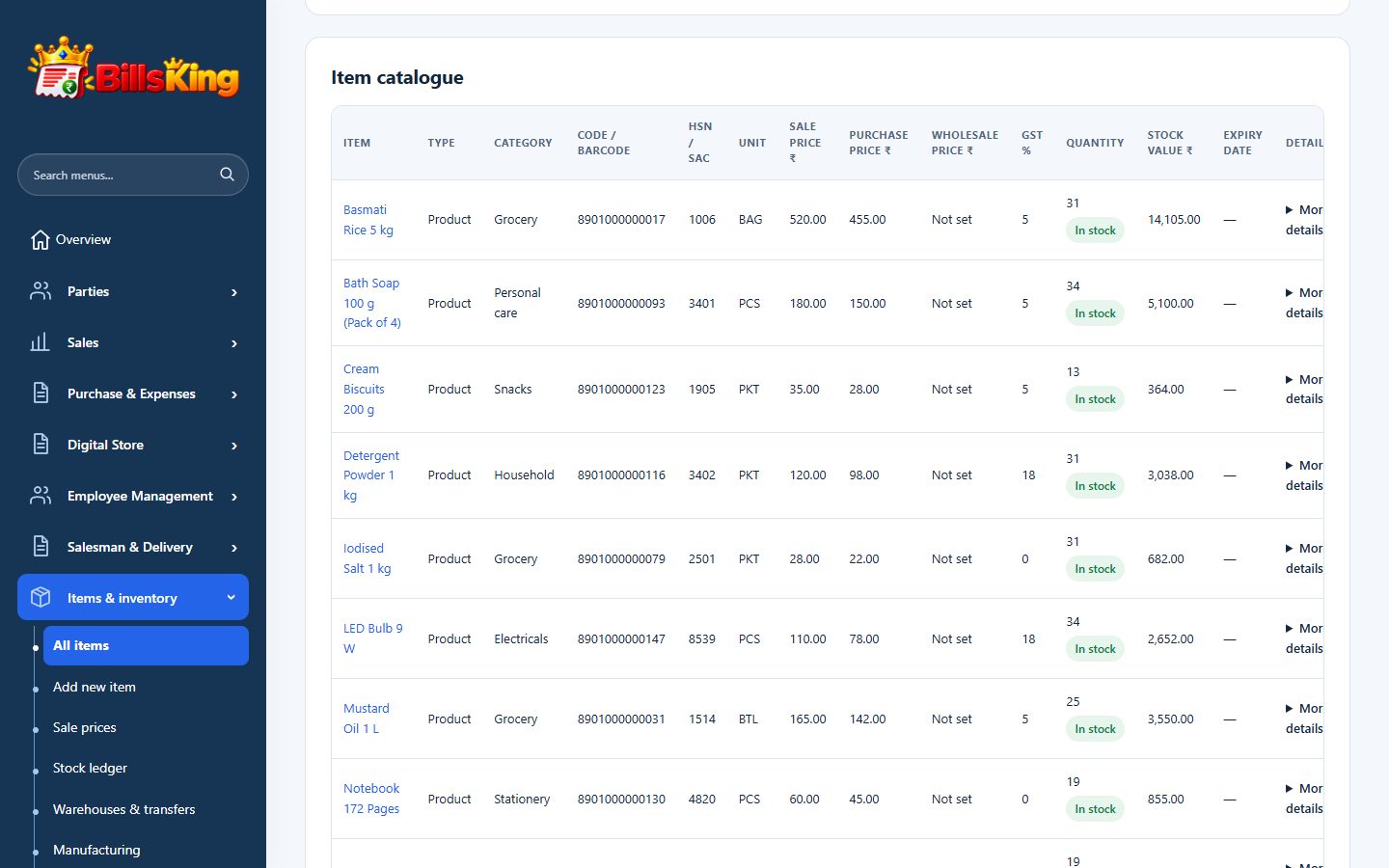
BillsKing screen: Import items and parties from Excel
Import items and parties from Excel
01

01 · Download the sample sheet

Items → Import items. Download the sample Excel file.

02

02 · Fill your data

One item per row: name, HSN, unit, prices, GST rate and opening stock.

03

03 · Upload and review

Upload the file; BillsKing shows each row and any mistakes before saving.

04

04 · From Tally

Use Utilities → Import Tally ledger masters to bring parties and ledgers across from Tally.

YOUR NEXT CHAPTER STARTS HERE

Less admin.
More room to grow.

Create your account ↗

Already using BillsKing? Log in →