
A clearer view of your business. Meet BillsKing ↗
BillsKing home

BILLSKING / GUIDES

Send invoices on WhatsApp

Link your own WhatsApp number to BillsKing.

billsking.com/app
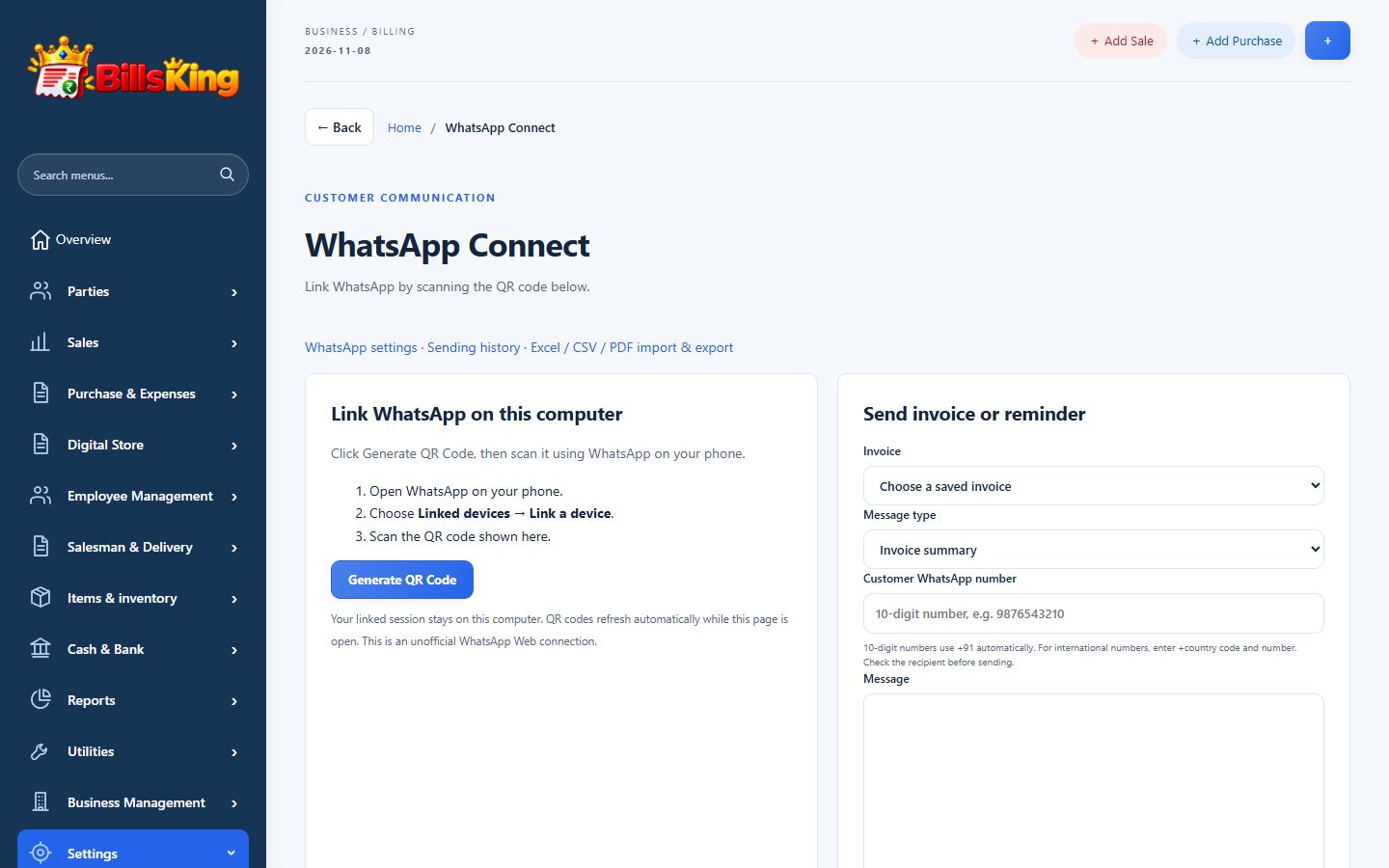
BillsKing screen: Send invoices on WhatsApp
Send invoices on WhatsApp
01

01 · Open WhatsApp Connect

Settings → WhatsApp Connect and press Generate QR Code.

02

02 · Scan from your phone

On your phone: WhatsApp → Linked devices → Link a device, and scan the code.

03

03 · Choose automatic messages

Turn on invoice, payment receipt and reminder messages in WhatsApp settings.

04

04 · Check the history

Every message and its delivery status is listed in Sending history.

YOUR NEXT CHAPTER STARTS HERE

Less admin.
More room to grow.

Create your account ↗

Already using BillsKing? Log in →